
What it looks like
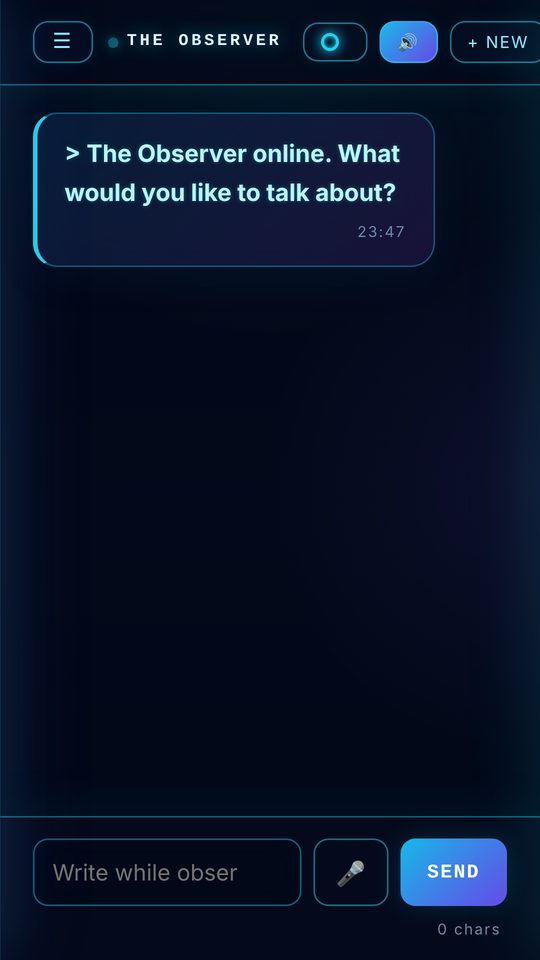
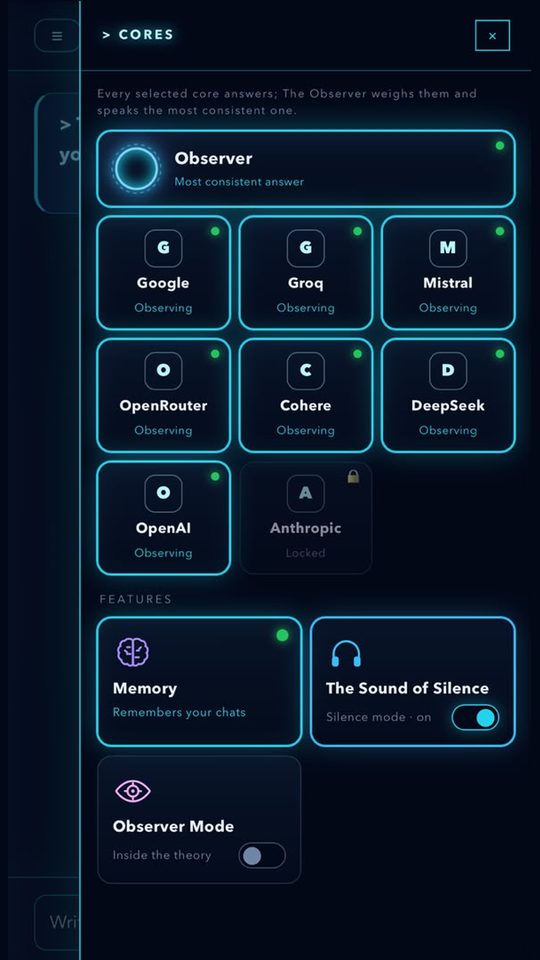
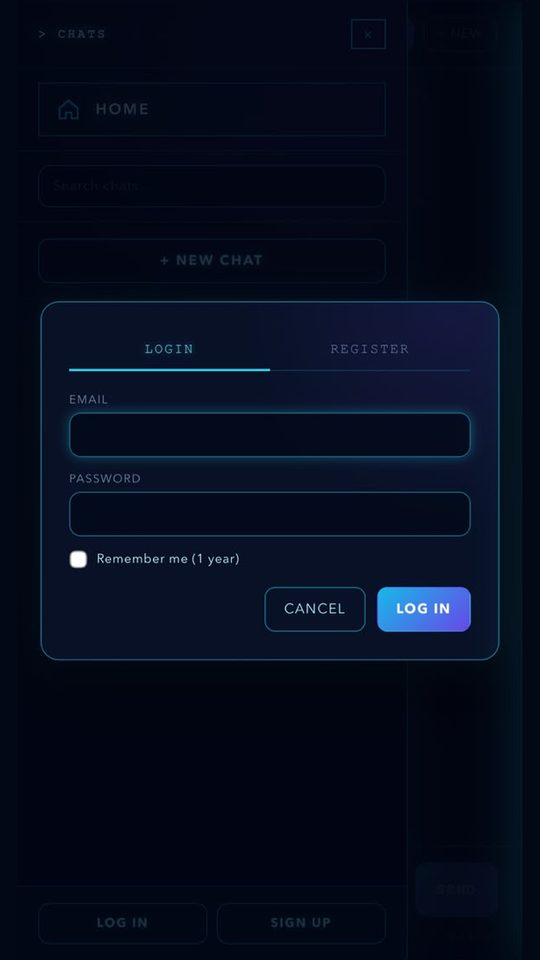
These are real screenshots of the app. Swipe to see more.
What you can do with it
Several models, one answerYour question goes to several AI models, which I call cores. The Observer weighs them and writes one answer in a single voice.
An honest reportEvery deep answer says how consistent the cores were and what is still uncertain. You also see how many tokens each answer used.
See itWhen it helps, the answer comes with a graph, a diagram or a moving simulation. Write your own formula and it is plotted.
Add while it thinksThought of something mid-answer? Type it. On-topic notes join the answer; anything else is answered next.
🧠 Deep thinkingOne tap for a deeper round, even after the question has been sent.
Type, then talkStart typing and finish by voice, in any language. Answers can also be read aloud.
Pick a characterEach one is a thinking step: Observer Mind, Trace, the Experimenter, the Outer Voice and the Weary Genius.
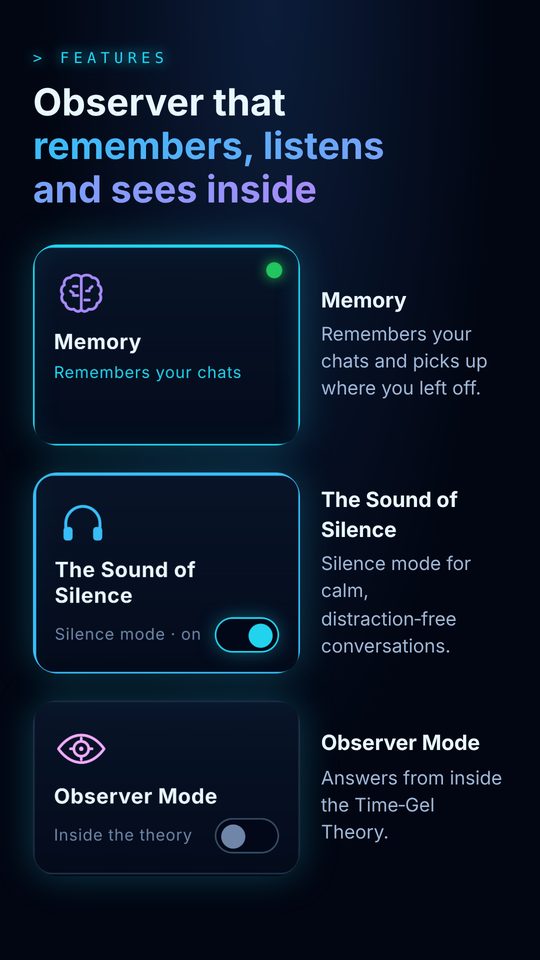
Memory and SilenceIt remembers what you allow and forgets anything you remove. Go quiet and The Sound of Silence may return with a new angle.
Rabbit HoleA speculative lens from inside the Time-Gel theory. Every step is labelled as measured, interpretation, hypothesis or idea.
Use it as an app today
You do not need a store. The Observer installs from the browser, opens full screen and gets its own icon on your home screen.
iPhone and iPad (Safari)
- 1Open the chat in SafariGo to timegeltheory.org/chat.html.
- 2Tap ShareThe square with an arrow pointing up.
- 3Add to Home ScreenThen tap Add. The Observer icon appears on your home screen.
Android (Chrome)
- 1Open the chat in ChromeGo to timegeltheory.org/chat.html.
- 2Tap the ⋮ menuTop right corner.
- 3Install appOr "Add to Home screen" on some phones.
Try the store versions first
I am preparing store versions of The Observer. The Android closed test will run on Google Play. If I open a test for iPhone, people on this list will hear about it first.
Leave your email and I will write to you only to send the invitation.
Why it exists
The Observer grew out of a research question about time. I build it alone, with a lot of help from AI tools. I wrote down what I believe, what I do not claim and how I treat your data.